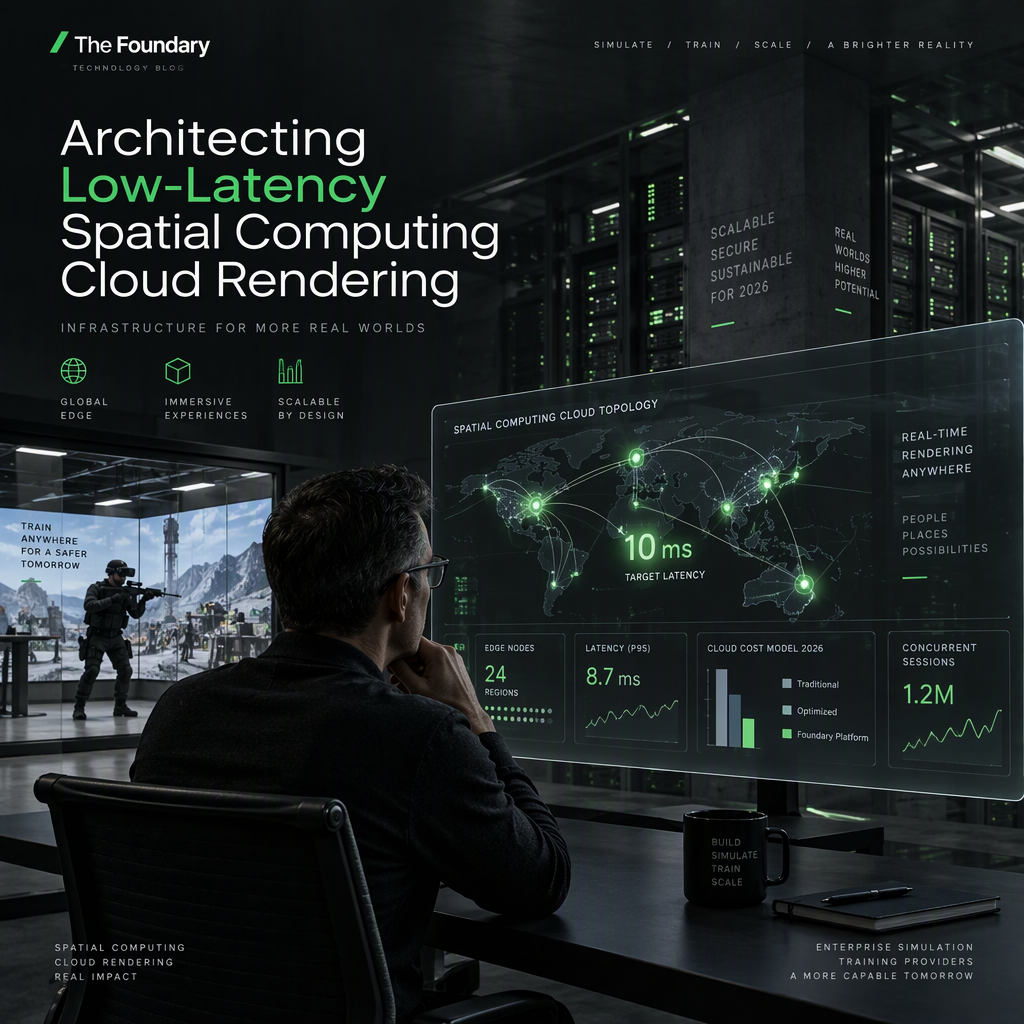
You can now build scalable environments for spatial computing cloud rendering without sacrificing user comfort or control costs. Recent updates in 2026 have lowered barriers for enterprise adoption of immersive technologies. By selecting the right stack and monitoring latency targets, you can deploy systems that match local hardware performance. The challenge lies in balancing high fidelity with real-time network constraints. Successful implementations rely on precise engineering choices regarding infrastructure and protocols. We will outline the technical paths available to platform leaders. First we define the core requirements for stable high fidelity streaming. Then we move into network design and compute resource selection. Finally we address the budget and compliance aspects of full scale deployment.
Defining the Core Requirements for Spatial Computing Cloud Rendering
To begin architecting spatial computing cloud rendering you must identify your primary use case. Training hazardous environments requires different fidelity than collaborative design reviews. The industry standard runtime for enterprise VR headsets is OpenXR 1.1 which was established in April 2024. This ensures compatibility across devices like Meta Quest 3 and Vision Pro without custom builds. You will need an NVIDIA RTX GPU such as the RTX 6000 Ada or higher. For servers Ubuntu 22.04 or Windows 11 are the supported operating systems. These requirements form the baseline for reliable performance and developer support. You must also consider the client connectivity options like WebRTC or WebSocket for browser streaming. Native clients are available for specific devices via CloudXR 6.0. This standardization simplifies maintenance and reduces long-term development overhead. As you design your platform ensure you document these dependencies early. This prevents future conflicts when scaling user capacity. Refer to official developer guides for the latest runtime updates.
Network Topology and Latency Targets
Your network infrastructure must support under 20ms motion-to-photon latency to avoid motion sickness. This target is critical for comfortable VR experiences in training scenarios. You should aim for WiFi 6 or 6E with sufficient bandwidth for stable streaming. Browser-based streaming specifically requires 100 plus Mbps bandwidth for high fidelity visuals. Implement Quality of Service policies to prioritize real-time traffic over other data. UDP port 47998 is essential for signaling to ensure efficient data transfer. TCP port 49100 supports additional control mechanisms for the system. You may also need TCP 48322 for CloudXR.js implementation. Proper firewall configuration is a prerequisite for enterprise deployment security. Use QUIC or HTTP/3 protocols if supported to reduce transport delays. Testing at the pilot phase helps verify that network congestion does not degrade the experience. Always measure latency locally and at the edge server. This data informs your choices about edge placement.
GPU Virtualization and Streaming Architecture
Managing GPU virtualization is key to running spatial computing cloud rendering efficiently. You must choose between vGPU and dedicated cloud GPU instances based on your needs. NVIDIA CloudXR 6.0 introduced dynamic foveated streaming to reduce bandwidth requirements. This technique renders the center of the view at higher detail to save resources. It allows you to maintain visual quality while reducing network load significantly. The platform can adjust quality in real time based on connection speed. This dynamic approach is essential for users on varying network conditions. You should also review Omniverse Kit 110.2 updates released in July 2026. These included point cloud streaming expansions and stability improvements. These updates help engineers build more resilient applications. Select a runtime that supports your application framework. Hololight Stream is an option if you need to support OpenXR apps without device builds. This flexibility reduces the time spent on specific device ports.
Cloud GPU Cost Budgeting for 2026
Understanding cloud GPU cost budgeting will protect your operational margins. On-demand pricing varies significantly between hyperscalers and specialized clouds. H100 on-demand pricing ranges from $2.65 per GPU hour on Spheron to $12.29 on Azure as of July 2026. You might find lower spot prices at $1.49 per hour but availability is not guaranteed. Buying enterprise GPU clusters costs $25k to $40k per H100 unit plus facility cooling. Renting offers better flexibility for pilot projects and fluctuating workloads. Expect to spend $1,000 to $5,000 per month for small training pilots. Enterprise deployments typically exceed $10,000 per month due to scale. Reserved clusters offer better unit economics for steady-state production workloads. Egress fees on hyperscalers can add 10 to 20 percent to your total spend. Always factor in data transfer costs when calculating the total cost of ownership. Use cost management tools to track usage in real time. Review your budget quarterly to adjust for changes in consumption patterns.
Implementation Steps and Rollout
Follow these numbered steps to deploy your system effectively. First define your use case such as hazardous environment training as the primary workflow. Next provision GPU infrastructure using services like Spheron for cost optimization or Azure for compliance. Install the runtime on the server such as NVIDIA CloudXR Runtime or Hololight SDK. Configure your network by opening UDP 47998 and TCP 49100 for signaling. Connect clients using CloudXR.js for browsers or native apps for Meta Quest devices. Verify network latency stays below 20ms before testing with users. Pilot test with 10 to 20 concurrent users in the target location to verify performance. Implement enterprise Mobile Device Management and Single Sign-On for fleet management. This sequence ensures you validate each layer of the stack before scaling. Use internal documentation to record every configuration change. This aids troubleshooting when issues arise at scale. You should also review security guidelines during this phase to prevent access violations.
Platform Comparison and Selection
| Choosing the right platform impacts your ability to meet enterprise goals. Consider how each solution handles rendering and client management. | Platform | Vendor | Use Cases | Pricing Model | Performance/Outcome |
|---|---|---|---|---|---|
| NVIDIA CloudXR | NVIDIA | Enterprise Training, Digital Twins | Subscription or Cloud GPU Rental | Dynamic foveated streaming, native visionOS support | |
| Hololight Stream | Hololight | Industrial Visualization, Multi-Device | Enterprise Licensing | Streams pixels from server; supports OpenXR apps without device builds | |
| AWS EC2 P5 | Amazon | Simulation Compute | $6.88/GPU/hr on-demand H100 | High-density cluster support for batched rendering | |
| Spheron | Spheron | AI/XR Workloads | $2.65/GPU/hr on-demand H100 | Specialized cloud with lower rates than hyperscalers |
NVIDIA provides deep integration with their hardware ecosystem for optimal performance. Hololight offers broad application compatibility which reduces development effort. AWS suits heavy computation needs for simulation workloads. Spheron provides a lower price point for specific AI and XR tasks. Match the vendor capabilities to your specific latency and compliance needs. Do not rely solely on price but look at the total value offered. Verify support availability for your region before finalizing contracts.
Compliance and Identity Management
Identity management becomes complex when hundreds of enterprise headsets are in use. You must integrate your identity provider with Single Sign-On for secure access. This ensures that only authorized personnel can access training content. Network firewall rules must allow necessary ports to prevent bottlenecks. Keep your system secure by updating policies as new threats emerge. Refer to The Foundary documentation for insights on security practices. Ensure that you have documented your identity provider integration clearly. This aids in audits and onboarding new users efficiently. Security is a core component of any enterprise infrastructure plan. It is not an afterthought but a design requirement from the start. Regular training for platform engineers on security protocols can reduce risks. Your goal is to balance accessibility with strict access control. This protects intellectual property and user data effectively.
Future-Proofing Your Spatial Computing Infrastructure
Plan for longevity by choosing standards with wide adoption. OpenXR 1.1 is now the industry standard runtime for most enterprise headsets. This prevents lock-in to proprietary ecosystems that may change over time. Licensing for NVIDIA Omniverse became free for development and production as of July 2026. This change reduces barriers for teams building and redistributing content. Consider reserved clusters over spot instances for production to maintain stability. This aligns your infrastructure to business growth plans effectively. Review emerging protocols for transport efficiency to stay ahead of the curve. You will need to revisit your roadmap at least once a year. Adaptation keeps your systems relevant and performant in a changing market. Keep your skills updated through official vendor training and documentation. This ensures your team can handle new tools quickly. Your infrastructure should scale without requiring a complete rebuild. Strategic planning ensures your long-term success with immersive tech.
Talk to a Foundry engineer
Start a conversation with The Foundary to discuss your spatial computing cloud rendering architecture. Talk to The Foundary about immersive tech
Conclusion
Architecting effective spatial infrastructure requires careful attention to latency, cost, and security. By following a structured implementation plan you can achieve under 20ms performance reliably. Focus on standardized runtimes to maintain device compatibility across your enterprise. Regularly review your cloud spending to optimize efficiency and avoid unexpected fees. This blueprint equips you to make informed decisions for your organization’s infrastructure.
Frequently Asked Questions!
1. How does dynamic foveated streaming reduce bandwidth costs in enterprise XR?
Dynamic foveated streaming adjusts visual fidelity based on user focus to reduce bandwidth requirements while maintaining quality. This is supported by NVIDIA CloudXR 6.0 to lower network load efficiently.
2. What is the minimum network latency required to avoid motion sickness in VR training?
Motion-to-photon latency targets are typically under 20 milliseconds for comfortable experiences. This benchmark helps prevent motion sickness during prolonged training sessions.
3. Does OpenXR 1.1 support both Meta Quest 3 and Vision Pro?
Yes OpenXR 1.1 is the industry standard supporting both Meta Quest 3 and Vision Pro. This allows developers to avoid device-specific builds for broader deployment.
4. How do I handle identity management for hundreds of enterprise headsets?
Integrate your identity provider with Single Sign-On to manage access for many headsets. This ensures security and simplifies user onboarding across the fleet.
5. Is NVIDIA CloudXR 6.0 free for enterprise streaming?
NVIDIA Omniverse licensing became free for development production and redistribution use as of July 2026. This reduces costs for teams building enterprise streaming solutions.
6. What GPU model is best for rendering high-fidelity digital twins?
NVIDIA RTX GPUs such as the RTX 6000 Ada or higher are recommended. These cards support the performance and memory needed for complex digital twin workloads.
By the Foundry Engineering Team · Updated 2026-10-05